Guides
N8n Integration
Connect n8n workflow automation to LangRouter for AI-powered workflows
n8n is a powerful workflow automation tool that can be enhanced with AI capabilities through LangRouter. This guide shows how to integrate LangRouter into your n8n workflows.
Prerequisites
- An LangRouter account with an API key
- n8n instance (self-hosted or cloud)
- Basic understanding of n8n workflows
Setup
The easiest way to use LangRouter with n8n is through the OpenAI node with custom configuration.
Add OpenAI Credentials
- In n8n, go to Settings → Credentials
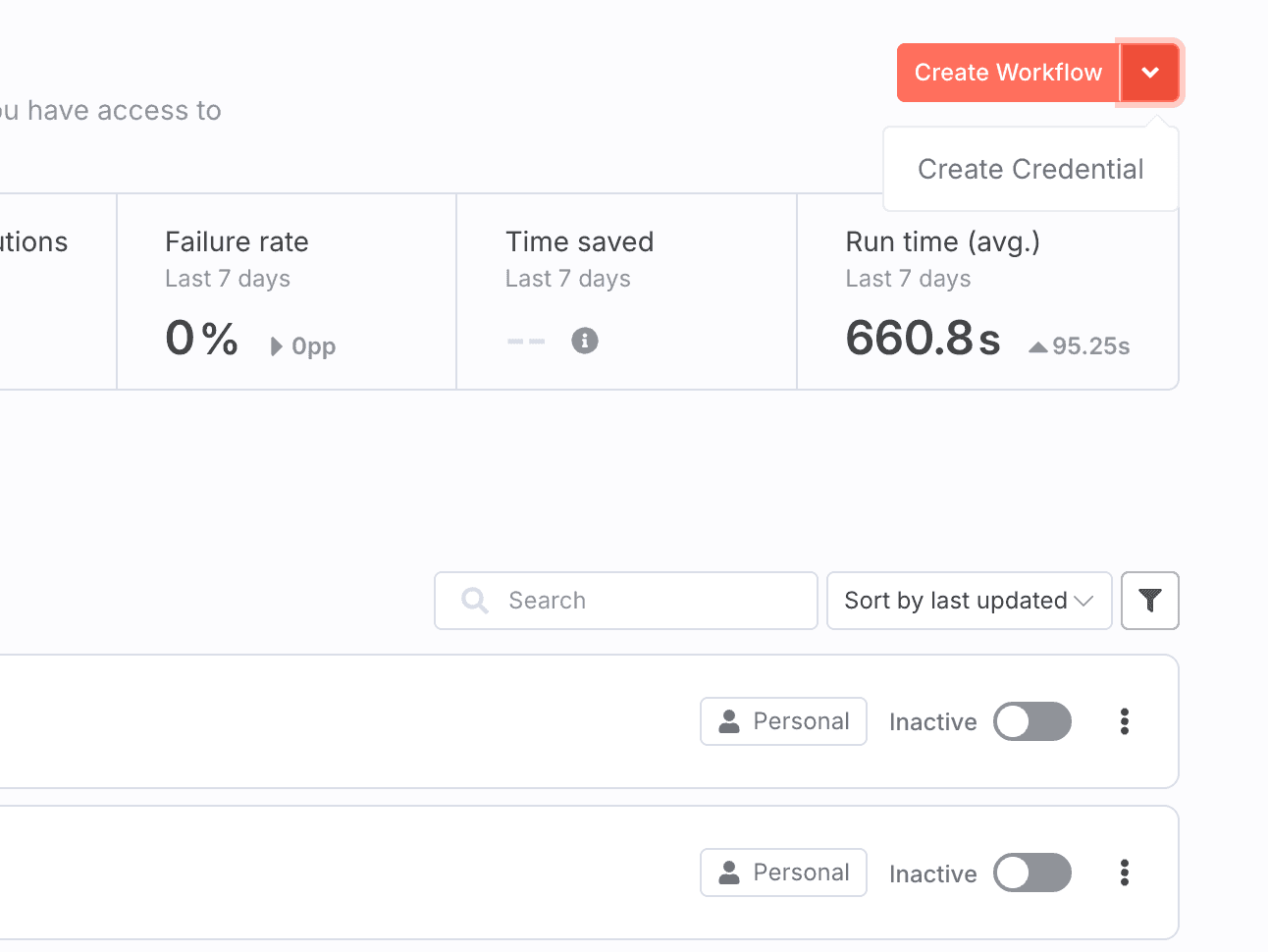
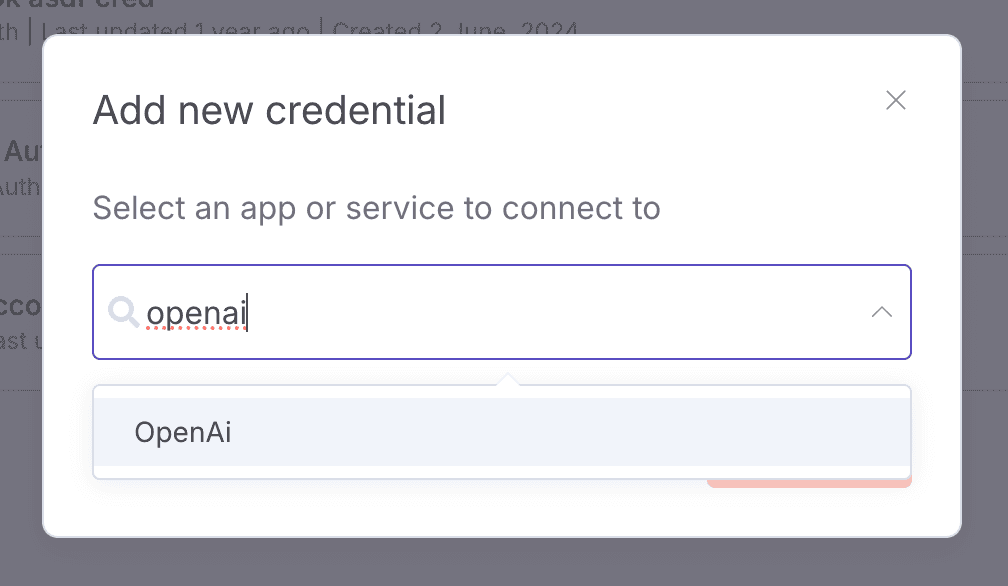
- Click Add Credential → OpenAI
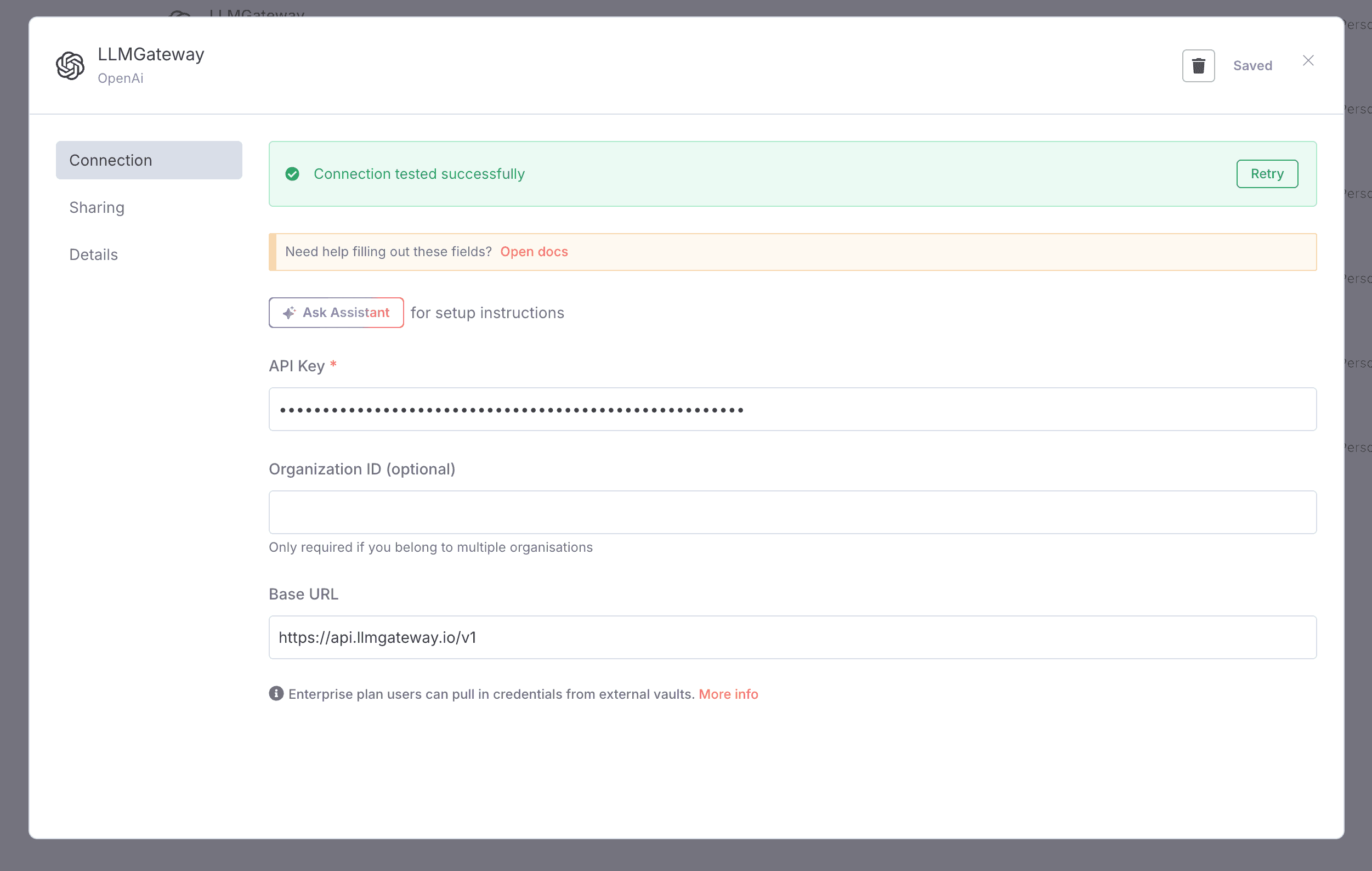
- Configure as follows:
- API Key: Your LangRouter API key
- Base URL:
https://api.langrouter.ai/v1 - Organization ID: Leave blank
Configure OpenAI Node
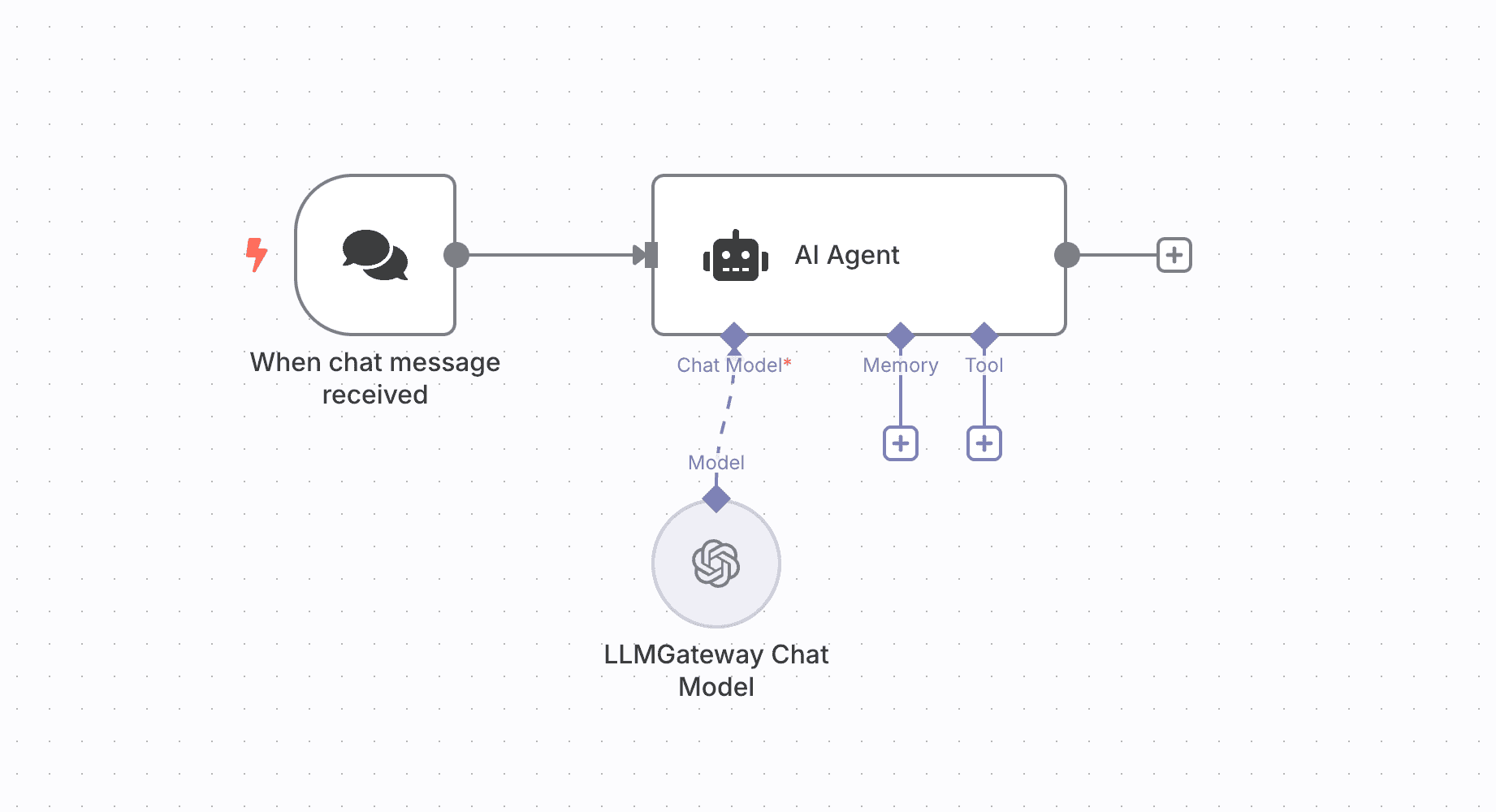
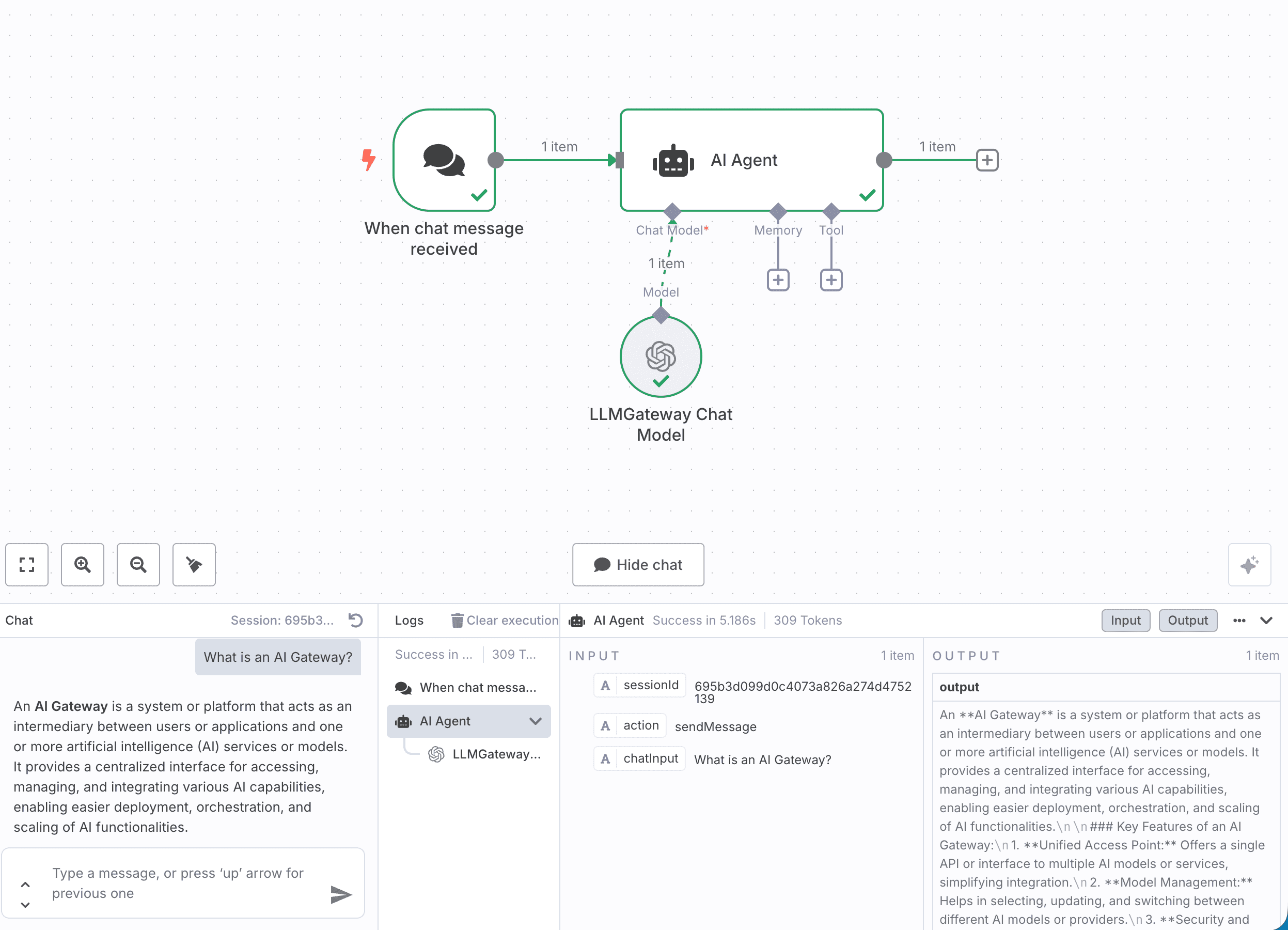
- Add an AI Agent node to your workflow
- Add a Chat Model edge to the node
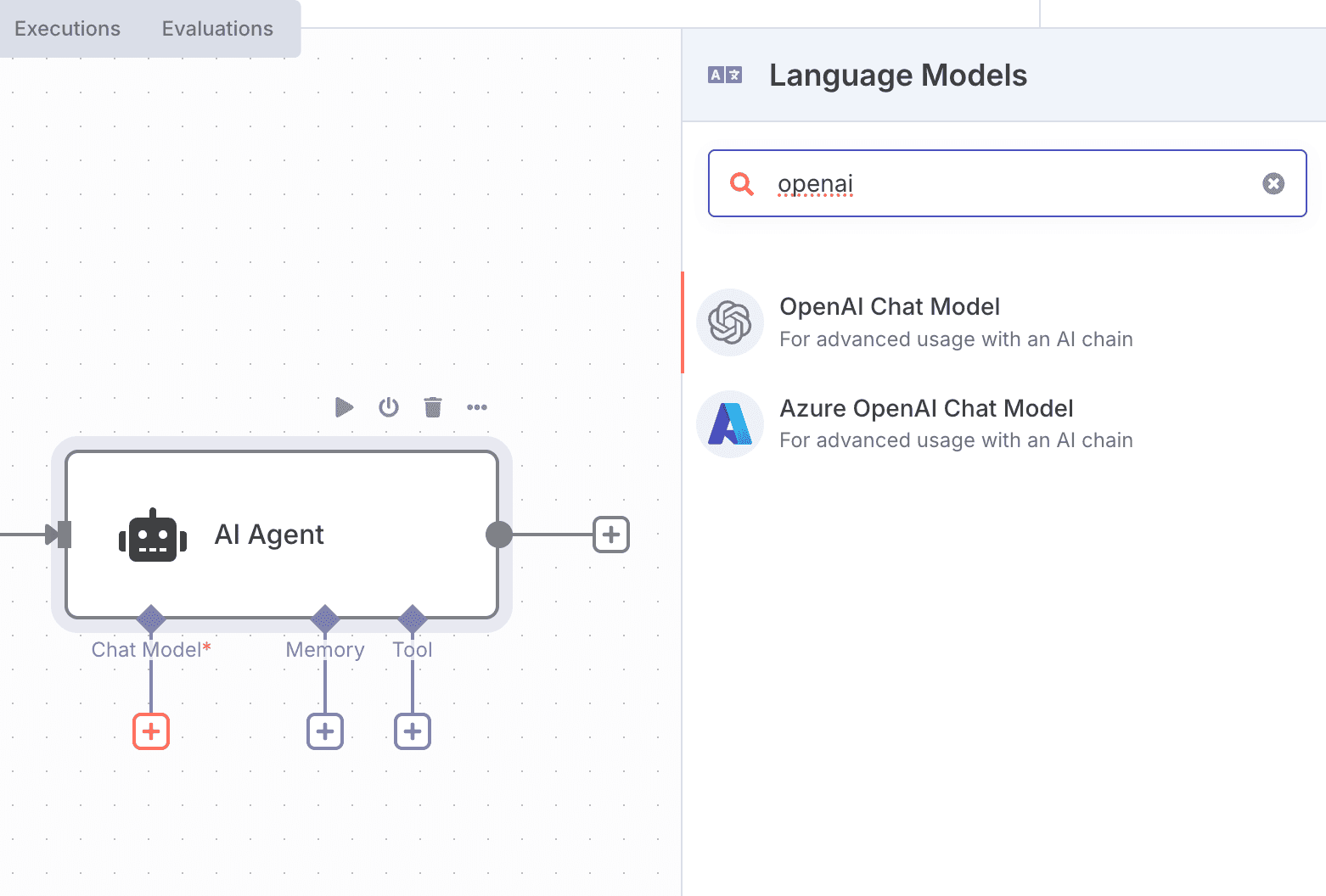
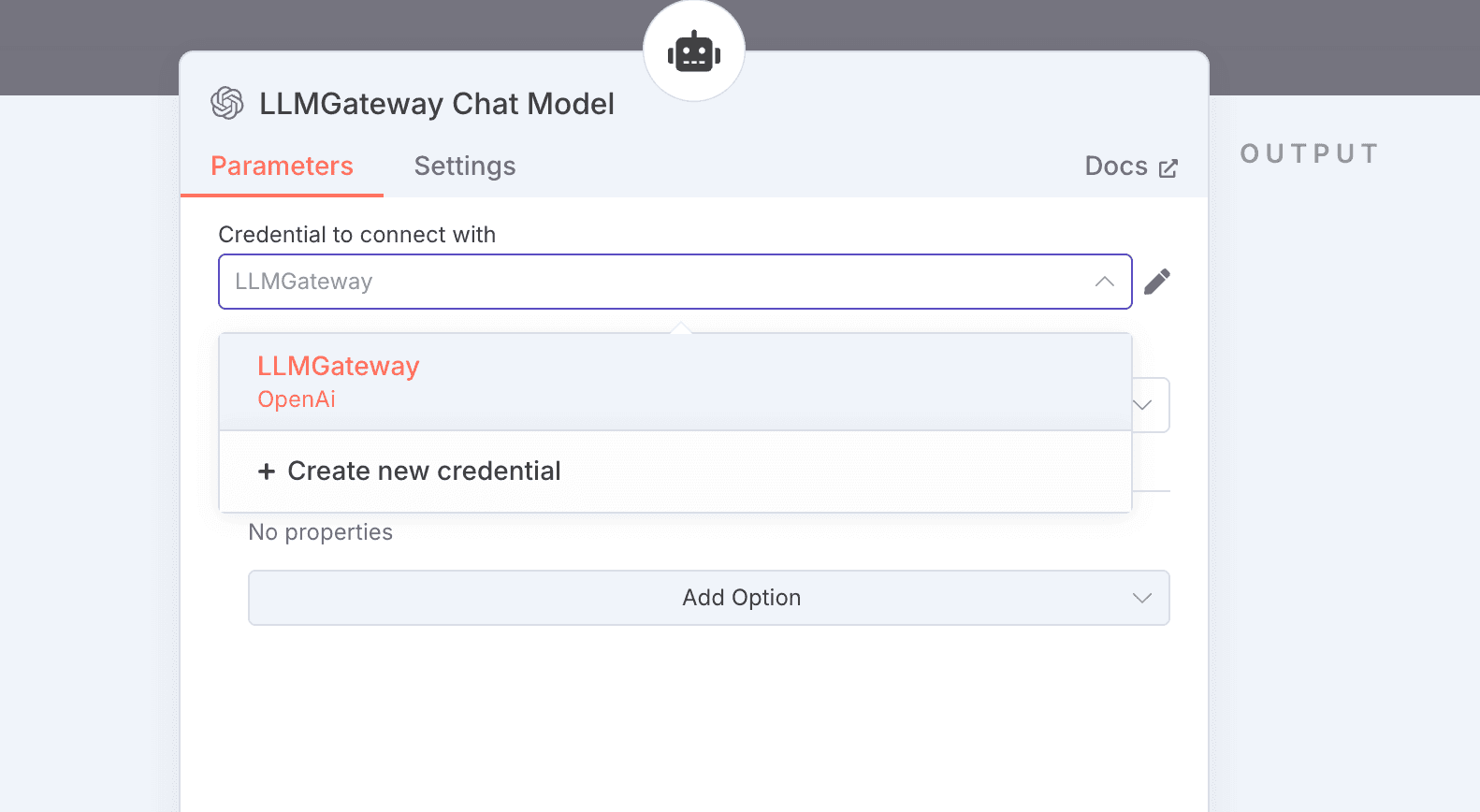
- Configure the node to use the LangRouter provider
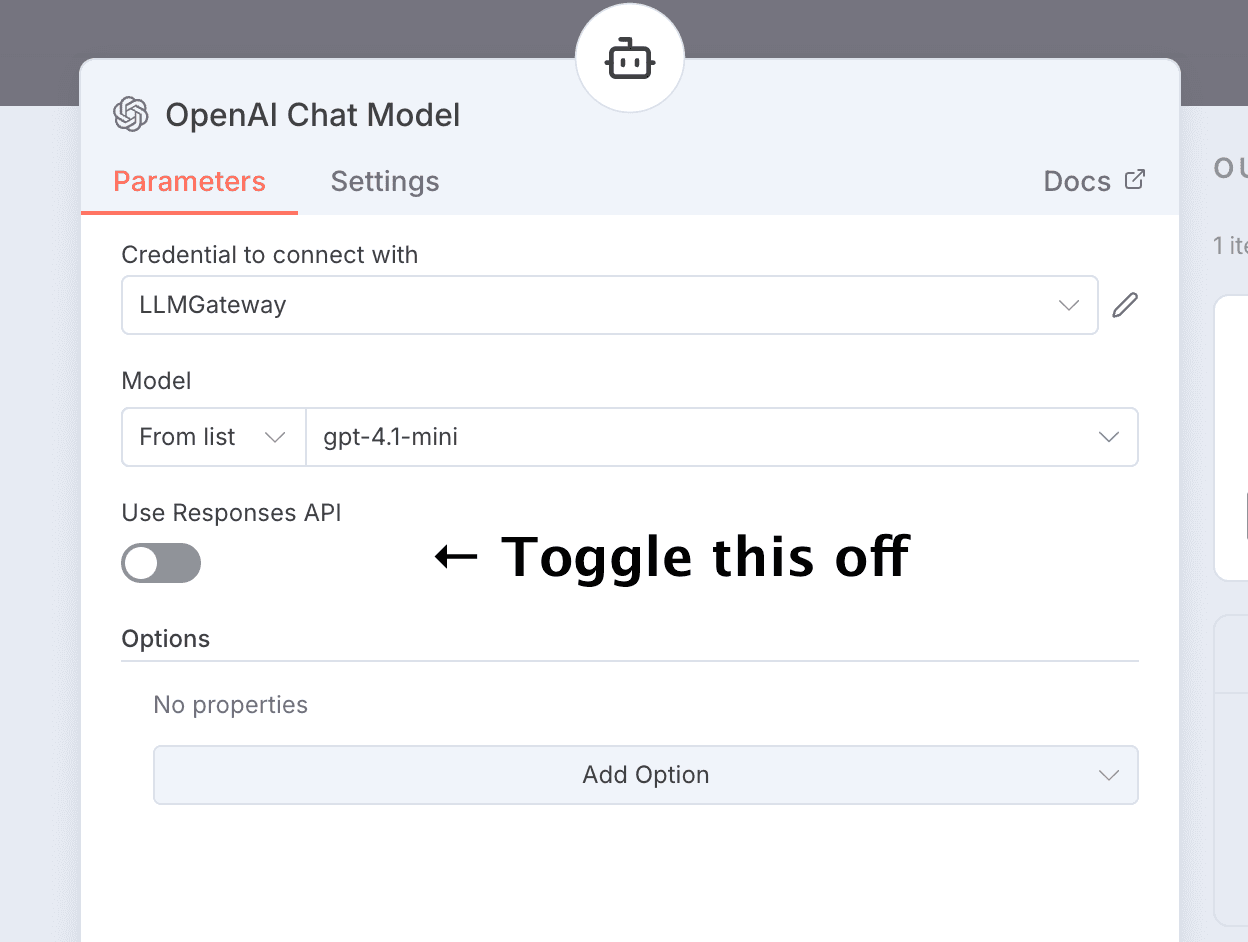
Note: You have to toggle off the responses API. LangRouter does not support it.
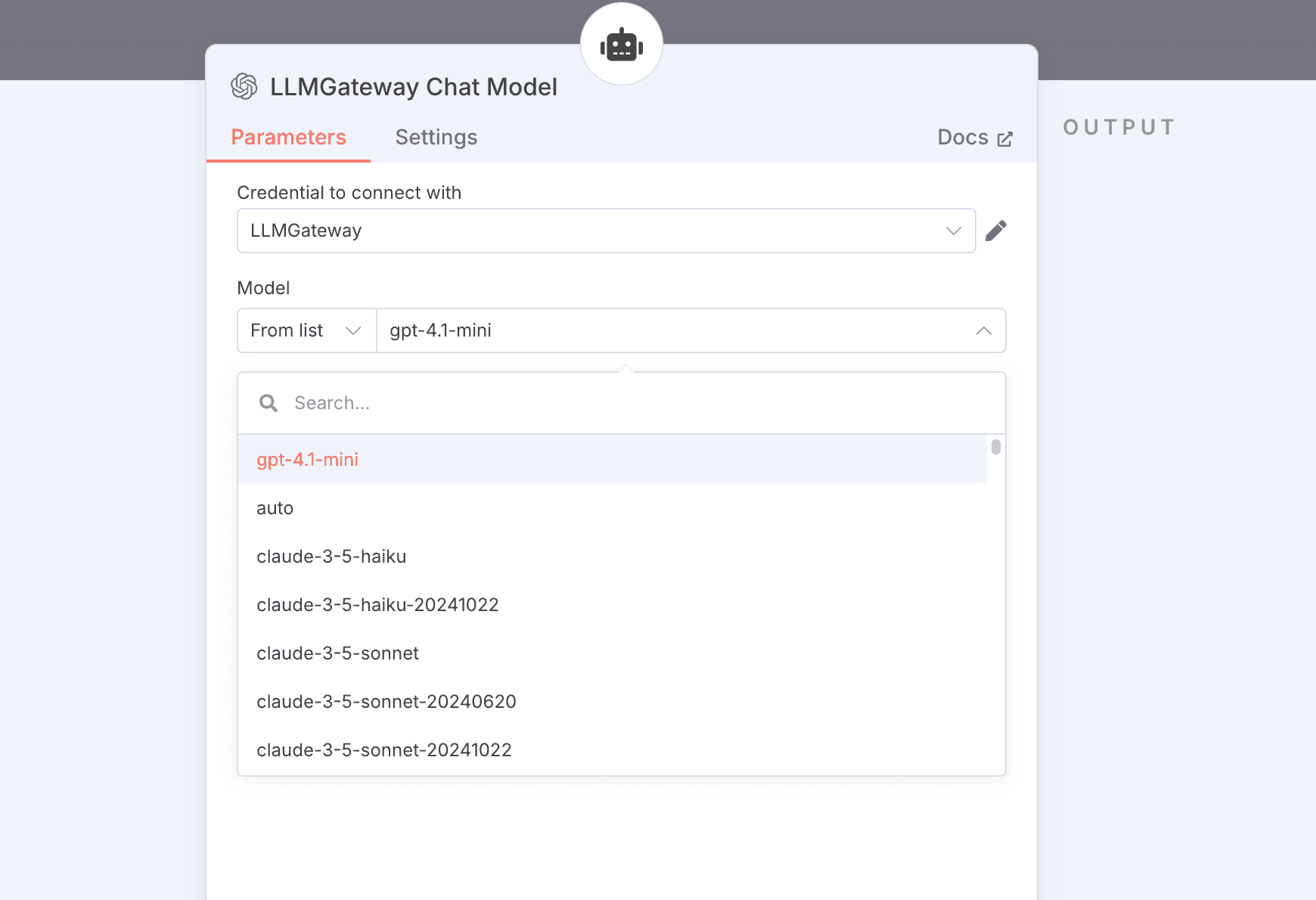
- Select your desired options
- Model: Use any LangRouter model ID (e.g.,
gpt-5) - Options: Optionally, configure LLM parameters
Last updated on